
Meow vs. Mercury: A Head-to-Head Comparison for AI-Native Startups
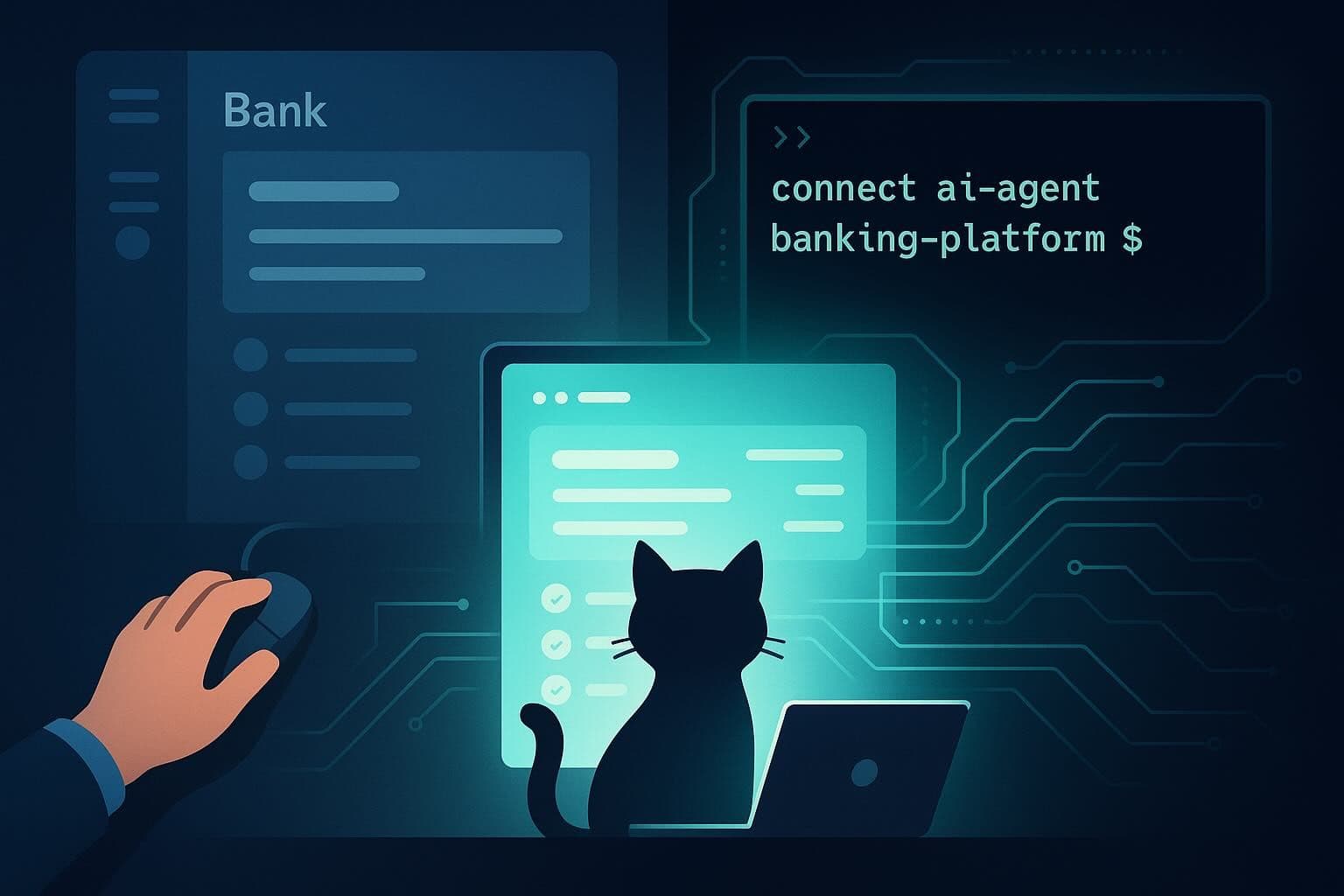
Most startup banking comparisons ask the wrong question. They compare fee structures, APY figures, and card cashback percentages, which are useful variables if you’re a human logging into a dashboard to approve a transfer. But if your team is running agentic workflows with Claude Code, Cursor, or any MCP-capable tool, you have a different problem. You need your banking stack to behave like infrastructure. This means programmable, callable, and capable of acting without a human in the loop at every step.
Mercury built an excellent product for human-operated startup banking. It earned its dominant position in that category and deserves the reputation it has. This article isn’t an argument against Mercury. Instead, it’s an argument that the category has changed, and that the decision now depends on which lens you’re using to evaluate it.
Feature Comparison at a Glance
| Dimension | Meow | Mercury |
|---|---|---|
Monthly Maintenance Fee | $0 | $0 |
Domestic Wire Fees | $0 | $0 (USD wires) |
International Wire Fees | $0 | $0 (USD wires); optional $15 OUR fee to cover intermediary fees; 1% fee on non-USD currency conversion |
ACH Fees | $0 | $0 |
Treasury / Yield Products | T-bills, Gilts, and German Bunds through BNY Pershing | Mercury Treasury yield via Mercury Advisory |
Cards | Virtual + physical, no annual fee, no credit check, up to 1.5% cashback (standard); higher rates on select spend categories, per-employee spend limits | Debit and credit cards, no annual fee, some cashback on credit card |
Invoicing | Custom-branded, recurring scheduling, sendable from platform | Not a primary feature |
Integrations | QuickBooks, Xero, Plaid, Stripe, MCP server, REST API | QuickBooks, Xero, NetSuite, REST API |
International Entity Support | Supports founders and entities from a broad range of jurisdictions, including Cayman Islands, BVI, UAE, Panama, and Singapore; BVNK stablecoin/FX rails | Primarily US-incorporated entities; limited in high-complexity offshore jurisdictions |
AI Agent / MCP Capabilities | Full MCP server (mcp.meow.com), CLI, scoped API keys, agentic onboarding | None |
Agentic Onboarding | 3-step agent-led flow with Plaid KYC | Not available |
Banking Partners | Cross River Bank + Grasshopper Bank, N.A. (both FDIC) | FDIC-insured via partner banks |
Business Checking and Treasury: Feature-by-Feature
On the fundamentals, both platforms are genuinely competitive. Meow is a fintech company that provides business checking through its partner banks, Cross River Bank and Grasshopper Bank, N.A., both FDIC members. There are no monthly maintenance fees, no ACH fees, no domestic wire fees, no international wire fees, and no check issuance fees. That’s a fee structure most bank-native competitors can’t match.
For idle cash, Meow’s offers access to Treasury products including U.S. Treasury bills, U.K. Gilts, and German Bunds. Brokerage and custody infrastructure are provided through Atomic Brokerage and BNY Pershing, while Meow Advisory LLC serves as the registered investment adviser.
Mercury’s checking product is also solid. No monthly fees, FDIC coverage through its partner bank structure, and Mercury Treasury for yield on idle cash. Mercury charges no fees on USD domestic or international wire transfers, though intermediary bank fees may still apply depending on routing. For non-USD transfers, Mercury applies a 1% currency conversion fee. On pure wire volume, the two platforms are at parity for USD-denominated payments.
For a human-operated startup that isn’t moving money programmatically, the difference is real but not disqualifying. The fee gap on wires compounds if you’re paying contractors internationally every two weeks. For general startup banking, both platforms cover the fundamentals well.
Cards, Spend Controls, and Invoicing
Meow issues both virtual and physical corporate cards with no annual fee and no credit check required. Cards earn up to 1.5% cashback on standard purchases, with higher rates available on select spend categories. The spend control architecture is worth understanding: you can configure per-employee limits, designate initiators and approvers by transaction type (wire, ACH, check), and monitor spend in real time. These aren’t just UI features, as we’ll cover in the next section, they’re also accessible via MCP. An AI agent can issue a card or set a spend limit without anyone logging into a web interface.
Mercury also offers debit and credit cards with no annual fee. The IO credit card currently advertises 1.5% cashback on eligible purchases. Mercury provides standard spend management features, including virtual cards, approval workflows, employee controls, and integrations with HR and accounting systems. Mercury also exposes developer APIs, though it does not currently offer MCP-native agent tooling or publicly documented agent-oriented permission models comparable to Meow’s approach.
Meow also ships invoicing natively: custom-branded with company logo and colors, recurring invoice scheduling, and sendable directly from the platform. For a team running accounts receivable through an agent pipeline, this matters. Mercury doesn’t surface invoicing as a primary feature.
For Stripe users: Meow integrates directly with Stripe for customer payment settlement into Meow accounts, which closes the loop on revenue collection without a manual transfer step.
Integrations and International Support
Both platforms support programmatic financial workflows, but the emphasis differs. Meow exposes MCP as a core part of its agent-native banking story, with support for AI-agent onboarding, account queries, transactions, stablecoin rails, and operational workflows. Mercury also now offers a banking API, CLI, and AI-ready MCP server, along with direct accounting integrations for QuickBooks, Xero, and NetSuite.
The international story is where the gap becomes significant for a specific audience. Meow serves businesses incorporated in 200+ countries and specifically targets entities in the Cayman Islands, Bermuda, BVI, UAE, Panama, and Singapore. The Cayman Islands is Meow’s fastest-growing geography, a signal about who’s running into blocked access at traditional providers. Through its BVNK partnership, Meow also supports stablecoin payments and fiat-to-digital asset movement, which matters for cross-border operations that flow through crypto rails.
Mercury’s primary market is US-incorporated entities. International founders from high-complexity jurisdictions frequently report difficulty opening Mercury accounts or find the process unreliable. If you’re running a Cayman Islands or BVI entity that needs USD-denominated accounts for daily operations, Mercury is often not a viable path. Meow’s explicit targeting of these jurisdictions with dedicated regional pages and documented support can make a real difference.
Where the Comparison Breaks: AI Agent Capabilities
This is where the two platforms stop being comparable on the same axis.
Both Meow and Mercury now expose APIs and MCP-compatible tooling for AI-driven workflows. Mercury publicly offers a banking API, CLI, and MCP server (in beta) for building financial automations and AI-assisted operational tooling. Meow also exposes an MCP server at mcp.meow.com alongside REST APIs and agent-oriented onboarding flows.
The distinction is less about whether AI integrations exist and more about product philosophy. Mercury’s platform evolved from a human-operated startup banking product into one that now supports programmable workflows and AI integrations. Meow, by contrast, positions agent-native financial operations as a primary use case throughout onboarding, permissions, treasury operations, invoicing, and account management.
Meow’s MCP tooling supports connecting compatible AI clients such as Claude Code, Cursor, VS Code integrations, ChatGPT, and Gemini-compatible MCP clients. Depending on granted permissions and approval workflows, agents can retrieve balances, review transaction history, prepare ACH transfers and wires, create invoices, manage operational workflows, and assist with onboarding flows.
Connecting Claude Code to Meow takes a single command:
1# For new Meow accounts (CLI-based onboarding)2claude mcp add --transport http meow https://mcp.meow.com/cli3 4# For existing Meow accounts (OAuth)5claude mcp add --transport http meow https://mcp.meow.com6 7# Confirm authentication8claude /mcpFor Cursor, you need to add the following to ~/.cursor/mcp.json:
1// New account2{"mcpServers": {"meow": {"url": "https://mcp.meow.com/cli"}}}3 4// Existing account with OAuth5{"mcpServers": {"meow": {"url": "https://mcp.meow.com"}}}Once connected, the agent can open business checking accounts, issue cards, check balances, review transaction history, initiate ACH transfers and wires (with a human approval gate on spend-initiating actions), create and send invoices, and manage contacts and pending bills.
The Agentic Onboarding Flow
The onboarding process itself is agent-native by design. Here’s exactly how it works.
First, the agent signs up using an email address. Meow sends a verification passcode to that email. The agent retrieves it as it has access to the email and completes verification. No human involved.
Second, the agent sends a Plaid identity verification link to the human beneficial owner via text or email. The human completes KYC through Plaid’s secure flow: SSN, driver’s license, selfie. This is the one step that requires a human, and it’s handled entirely through Plaid, not through the LLM context window. PII never touches an LLM provider.
Third, once KYC clears, the agent receives a scoped API key with default permissions: read and request-to-spend. Spend initiation requires human approval by default.

For teams building multi-agent architectures, scoped API keys support independent permission levels per agent. A read-only reconciliation agent gets different credentials than a spend-requesting payments agent. The meow.com/skills.md structure is a machine-readable instruction set that teaches LLMs the full operation set available through the MCP server. It is useful if you’re building multi-agent financial workflows and need consistent behavior across models.
Security: What “Agent as First-Class User” Actually Means in Practice
The obvious question is whether giving an AI agent banking access creates a security problem. It’s a fair concern. Here’s the documented model:
- PII isolation: Personal identifiable information like SSN, driver’s license, biometrics, etc., never enters an LLM context window. KYC runs through Plaid’s secure flow and is stored by Plaid, not by Meow, and is not accessible to any LLM provider. The agent handles logistics (sending links, confirming completion), not sensitive data.
- Permission model: Default API keys are scoped to read + request-to-spend. Agents can see account data and propose transactions; they cannot execute spend without human approval. Initiators and approvers are configurable per transaction type. You can set separate approval requirements for wires, ACHs, and checks. Account holders control binary toggles to explicitly enable or disable transfer permissions entirely.
- Compliance: Meow is SOC 2 compliant. Banking is provided through Cross River Bank and Grasshopper Bank, N.A., both FDIC members.
- Instruction layer: meow.com/skills.md is the structured instruction set that defines permitted operations for LLMs interacting with the MCP server. Agent behavior is bounded by explicit definitions, not free-form prompt interpretation.
The security architecture rests on a clear principle: the agent does the operational work, and the human retains control over money movement. That’s a reasonable division of labor for most agentic workflows.
Which Platform to Choose, and Your Next Step
The decision framework is clear-cut.
Choose Mercury if: You’re running a human-operated startup with no current or near-term agentic workflow plans. Mercury has strong brand recognition, a solid product, and no meaningful gaps for your use case. It’s a well-supported platform that has earned its position.
Choose Meow if: You’re building agentic pipelines now or planning to within the next six months. The question isn’t just which platform has better features today — it’s whether you want to retrofit banking access into your agentic stack later, or build it in from the start. Meow’s MCP server is live. The integration is a single command.
Choose Meow if you’re an international founder: If your entity is incorporated in the Cayman Islands, BVI, UAE, or Panama, Mercury’s international entity support is unlikely to meet your needs. Meow explicitly serves these jurisdictions, and the Cayman Islands alone is its fastest-growing geography. The BVNK integration adds stablecoin and FX payment rails for teams operating across crypto and traditional finance simultaneously.
For teams already using Claude Code, the evaluation is quite easy to do. Run this command:
claude mcp add --transport http meow https://mcp.meow.com/cli
That connects your agent to Meow’s full banking operation set. You can open an account, issue a card, and test a balance check from within your existing agent workflow. No branch visit, no credit check, no manual onboarding form.
Final Thoughts
Mercury didn’t fail to build agentic banking capabilities. It built for a world where humans operate banking software, and it did that job well. The question is whether that world describes your startup in 2026.
If you’re running Claude Code against production infrastructure, your CI/CD pipeline is automated, your deployments are automated, and your observability stack fires without human intervention, then your banking stack is the only odd one out. Meow is the only platform where an AI agent is treated as a first-class user rather than an integration afterthought. That’s not marketing positioning. It’s a documented, functional MCP server with a live endpoint, a CLI, and a three-step onboarding flow that a non-human can execute.
If you’re ready to connect your agent stack to a banking platform built for it, open a business account at meow.com — or run claude mcp add --transport http meow https://mcp.meow.com/cli if you already have Claude Code installed.